



- Mon-Sun - 07:00 AM to 07:00 PM
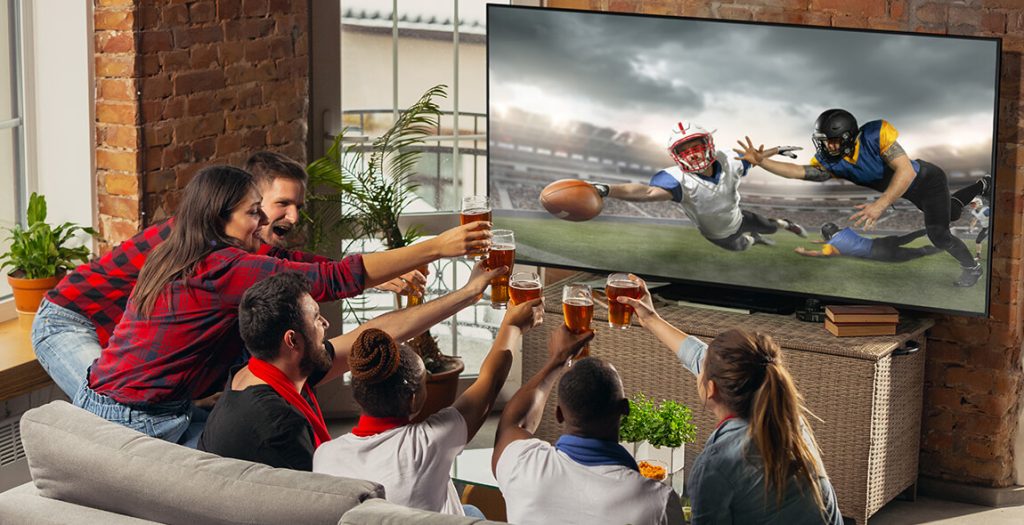
There’s nothing more disappointing than sitting back to enjoy your favourite TV show, but being met with the much-dreaded “No Signal” message or static that just won’t fade. In many households, Freeview has become a top choice for several reasons. It allows access to a different genre of entertainment content and is convenient to use. However, the occasional disruptions can be frustrating. If you are facing problems with your Freeview connection, this blog can help you find the best possible solution.
Freeview is received through two primary methods:
Freeview is dependent on a strong and clear signal transmission from a TV aerial or a satellite. Any interference can lower the quality of content being transmitted. Here are some common problems with Freeview and easy fixes to try:
This often includes weak signal strength and interference. If the signal being received by your aerial is weak. This leads to pixelation, no signal messages, and even the breaking of the picture. Some common causes include excessive distance between the Freeview transmitter and obstructions, and in some cases, the aging of the aerial in your location. Bad weather conditions are also responsible.
To fix signal-related problems, it’s best to determine what’s blocking the signal from being received at your end. If the transmitter signal’s frequency has lowered, it can be fixed. In case there are obstructions, a new installation can be helpful. It also benefits from replacing the aging aerial with a new one.
When the signal’s source is right and strong, and yet you are experiencing problems with the Freeview, checking issues with the setup can be beneficial.
Even if everything seems fine and you are still unsure what is wrong, there’s always a possibility that Freeview is experiencing glitches or undergoing maintenance work. This can cause temporary outages, temporarily cutting your access to channels.
Freeview offers access to local content and major broadcasters without any subscription costs, making it easier for households to tune in for entertainment purposes. However, hiccups in signal quality can significantly impact the TV viewing experience. To avoid these issues from causing disruptions, either checking the problem yourself or hiring experts is highly recommended. It will save you time and money and ensure you can get back to watching your favourite channels as soon as possible.